
OSOU Result: How to Check Grade Card and Marks
Students at Odisha State Open University (OSOU) can check their Term End Examination (TEE) provisional results online using their enrollment number or application number on the university result portal. OSOU releases provisional mark statements session-wise for undergraduate, postgraduate, and certificate programmes, followed by specific application windows for re-checking and answer script photocopies.
Key facts
| Result Search Credentials | Enrollment Number or Application Number |
|---|---|
| PG & UG Provisional Results (11 Sept 2026) | Published for TEE June 2025 & Dec 2025 |
| Re-Checking Portal Window (Sept 2026) | 14-09-2026 to 18-09-2026 |
| Re-Checking Portal Window (July 2026) | 28-07-2026 to 02-08-2026 |
| PG 1st Sem Results (19 May 2026) | Published for Oct 2024 & Feb 2025 Batches |
How to Check OSOU TEE Results Online
Learners enrolled in various undergraduate, postgraduate, diploma, and certificate programmes can check their provisional term-end examination results through the university portal.
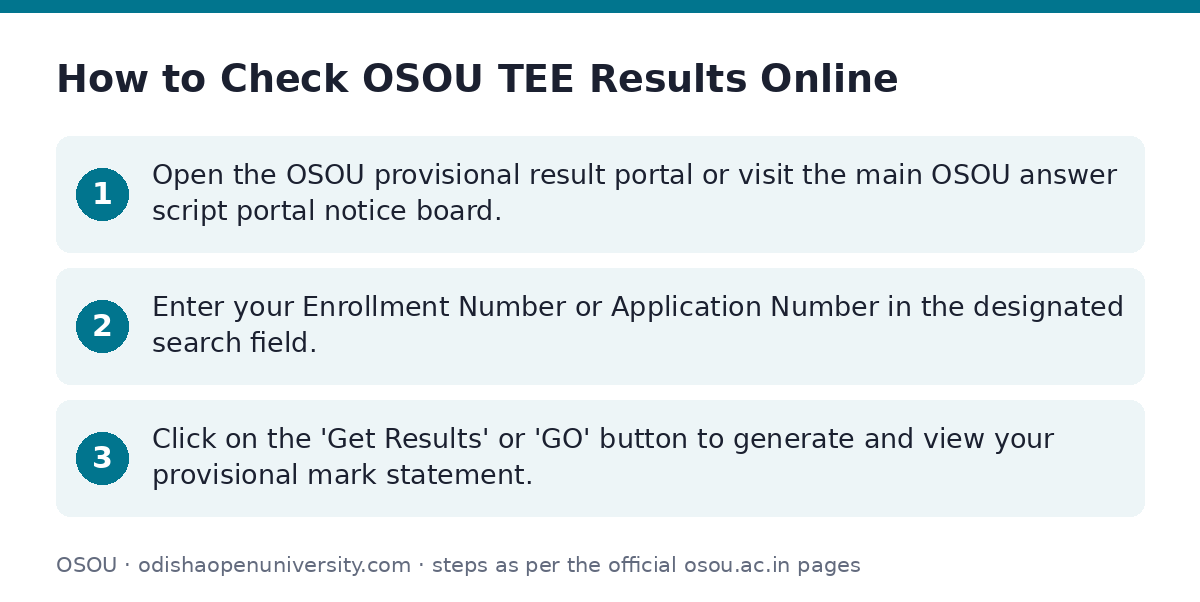
- Open the OSOU provisional result portal or visit the main OSOU answer script portal notice board.
- Enter your Enrollment Number or Application Number in the designated search field.
- Click on the ‘Get Results’ or ‘GO’ button to generate and view your provisional mark statement.
Recent Term End Examination Result Declarations
OSOU announces provisional results in phases depending on the degree type, semester, and examination session. Below is the list of recent result publications.
OSOU TEE Result Publications and Schedules
| Exam Session & Programmes | Exam Dates | Publication Date |
|---|---|---|
| PG 1st & 2nd Semesters and UG 1st Semester (TEE June 2025 & Dec 2025) | 24/04/2026 to 10/05/2026 | 11/09/2026 |
| UG 1st–5th Semesters (TEE June 2025) & UG 6th Semester (TEE Dec 2025) | 20/04/2026 to 08/05/2026 | 20/07/2026 |
| PG 1st–4th Semesters Back Papers (TEE June 2025) | 20/04/2026 to 08/05/2026 | 22/07/2026 |
| PG 1st Semester (Oct 2024 & Feb 2025 Batches – TEE Dec 2024 & June 2025) | Not specified | 19/05/2026 |
| UG 6th Semester (BAEC, BAEG, BAHD, BASK, BASO, BBA, BCOM, BJMC – TEE June 2025) | Not specified | 22/08/2025 |
| UG 6th Semester (BAOD, BAHI, BAPS – TEE June 2025) | Not specified | 24/08/2025 |
Re-Checking (Re-Totaling) and Answer Script Photocopy
Learners who are dissatisfied with their provisional marks can apply online for re-checking (re-totaling) or request a photocopy of their answer scripts within prescribed deadlines after result publication.
OSOU has not published fee rates for re-checking or photocopy requests on its site as of 02 October 2026.
- September 2026 Application Window (14-09-2026 to 18-09-2026): Open for UG 1st Semester & PG 1st Semester (July 2025 Batch – TEE Dec 2025), PG 2nd Semester (October 2024 Batch – TEE June 2025), and PG 2nd Semester (February 2025 Batch – TEE Dec 2025).
- July 2026 Application Window (28-07-2026 to 02-08-2026): Open for UG 1st–5th Semesters (2019–2022 Batches – TEE June 2025), UG 6th Semester (2019–2022 Batches – TEE Dec 2025), and PG 1st–4th Semesters Back Papers (2020–2022 Batches – TEE June 2025).
- Go to the official OSOU rechecking login portal.
- Log in using your student credentials.
- Select the paper(s) for re-checking or photocopy request and submit the online application before the closing date.
Important OSOU links
| What you can do | Official page |
|---|---|
| Check TEE June 2025 and Dec 2025 provisional results | osou.ac.in/news.php?item=provisional-results-tee-11092026 |
| View re-checking notice for July 2026 results | osou.ac.in/news.php?item=re-checking-photocopy-of-answer-s |
| Login to apply for rechecking and answer script photocopy | osou.ac.in/news.php?item=re-checking-and-photocopy-of-answ |
| Check UG 6th semester June 2025 results | osou.ac.in/news.php?item=results-of-the-term-end-examinati |
| Check PG June 2025 provisional results | osou.ac.in/news.php?item=provisioanl-results-of-term-end-e |
| Check PG 1st semester provisional results | osou.ac.in/news.php?item=publication-of-pg-1st-semester-pr |
| Check UG June 2025 and Dec 2025 provisional results | osou.ac.in/news.php?item=provisioanl-results-of-term-end-e |
| Access student web portal login | webportal.osou.ac.in/ |
Official documents (PDF)
- Notice on Applying for Photocopy and Rechecking of Answer Scripts for the TEE DEC2024… PDF — Notice on answer script photocopy and rechecking for UG 6th semester
- Notification on Publication of Provisional Results PDF — Notification on publication of provisional examination results
- Re-Checking (Re-Totaling) / Photo Copy of Answer Script of Term End Examination December 2024… PDF — Notice on TEE Dec 2024 back papers rechecking and photocopy application
Frequently asked questions
How can I check OSOU results?
You can check your OSOU term-end examination results by visiting the official OSOU result page and entering your Enrollment Number or Application Number. Click on ‘Get Results’ or ‘GO’ to access your provisional mark statement.
What credentials are needed to check OSOU marks online?
Learners need either their official Enrollment Number or Application Number to view and search for their provisional results on the OSOU portal.
When were the PG 1st and 2nd semester TEE June 2025 & Dec 2025 results published?
The provisional results for PG 1st and 2nd semesters (TEE June 2025 and Dec 2025 held from 24 April 2026 to 10 May 2026) were published on 11 September 2026.
What were the application dates for re-checking results published in September 2026?
The re-checking and answer script photocopy application portal remained open from 14 September 2026 to 18 September 2026 for eligible UG and PG batches.
Can I apply for re-totaling of answer scripts after result publication?
Yes, OSOU opens a dedicated online portal for re-checking (re-totaling) and answer script photocopies for a specified period after provisional results are published.
Sources
Written from the official OSOU pages and documents below, as read on 2 October 2026.
- Results | Odisha State Open University, Sambalpur osou.ac.in/…/results.php
- Provisional Results of Term End Examinations June2025 and December2025 held… osou.ac.in/…/news.php
- Re-Checking (Re-Totaling) and Photocopy of Answer Scripts for the Results… osou.ac.in/…/news.php
- Re-Checking and Photocopy of Answer Scripts of TEE June 2025… osou.ac.in/…/news.php
- Results of the Term End Examinations June 2025 for UG… osou.ac.in/…/news.php
- Provisioanl Results of Term-End Examinations June2025 (PG 1st to 4th… osou.ac.in/…/news.php
- Publication of PG 1st Semester Provisional Results (October 2024 &… osou.ac.in/…/news.php
- Provisioanl Results of Term-End Examinations June2025 (UG 1st to 5th… osou.ac.in/…/news.php