
OSOU Student Login: Enrolment Number, ABC ID and DEB ID
OSOU students can log in to the Learning Management System (LMS) using their Enrollment Number or Email ID and Password, and to the Student Webportal for various academic services. To create a DEB ID, students must register on the DEB portal using their ABC ID, ensuring their APAAR/ABC Card details are accurate.
Key facts
| LMS Login Credentials | Enrollment Number / Email Id and Password |
|---|---|
| Webportal Access | For personalised page, re-registration, exam forms, results, and certificates |
| DEB ID Creation | Requires an ABC ID and registration on the DEB portal |
| ABC ID Support | Contact ABC’s Support Ticket System or call center at 18008893511 |
| LMS Support | Email: support@ulektz.com or WhatsApp: +91-98840 77034 (10 AM – 5 PM, working days) |
OSOU Student Webportal Login
The OSOU Student Webportal provides access to your personalised page for various academic services. These services include re-registration for the next academic year, selection of elective courses, examination form fill-up, downloading of examination hall tickets, and viewing results of Term End Examinations and Assignments.
To access the webportal, students need to log in. OSOU has not published the specific login fields for the student webportal as of 02 October 2026, but it is the gateway for managing personal information and academic records.
- Personal Information Management
- Digital Identity Card
- Re-Registration for the next academic year
- Selection of the Elective Courses
- Grievance Redressal System
- Examination Form Fill-up
- Downloading of Examination Hall Ticket
- Changing of Examination Centre
- Upload Project Synopsis
- Results of Term End Examinations and Assignments
- Grade Cards and Provisional Certificate
- Re-Checking/ Re-Evaluation/ Photo Copy of Answer Scripts
- ULC and Migration Certificate
- SLM Despatch Status
- Complaints of Caste discrimination against SC/ST/OBC students
OSOU Learning Management System (LMS) Login
The OSOU Learning Management System (LMS) allows students to access their accounts using their enrollment number or email ID and password. The LMS provides e-SLM, video lessons, and assignment submission facilities.
For support related to the LMS, you can contact the support team via email or WhatsApp. WhatsApp support is available from 10:00 AM to 5:00 PM on all working days; queries received on Sunday will be answered on Monday.
- Email: support@ulektz.com
- WhatsApp: +91-98840 77034
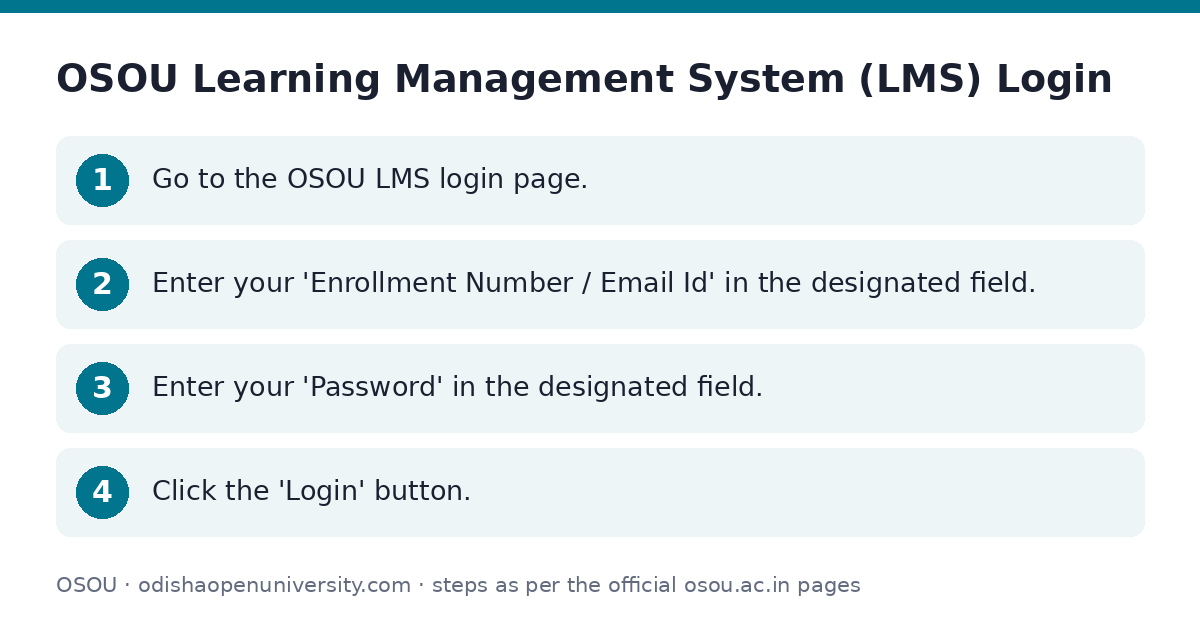
- Go to the OSOU LMS login page.
- Enter your ‘Enrollment Number / Email Id’ in the designated field.
- Enter your ‘Password’ in the designated field.
- Click the ‘Login’ button.
Retrieve Enrollment Number or Reset Password for LMS
If you have forgotten your enrollment number or password for the OSOU LMS, options are available on the login page to retrieve or reset them.
- Go to the OSOU LMS login page.
- Click on ‘Retrieve Enrollment Number?’ if you have forgotten your enrollment number.
- Click on ‘Forgot Password?’ if you need to reset your password.
Academic Bank of Credits (ABC) ID
The Academic Bank of Credits (ABC) programme is supported by UGC NAD/ABC bureau. OSOU issues digital awards, including Degree Certificates (2016 to 2025) and Degree MarkSheets (2021 to 2025), through DigiLocker, which students can pull into their accounts.
For any issues related to your ABC ID or APAAR ID, including discrepancies, you should use the ABC’s Support Ticket System or the DigiLocker app. Alternatively, you can contact the ABC support call center for assistance.
- ABC Support Ticket System: https://support.abc.gov.in/
- ABC Support Call Center: 18008893511
How to Create a DEB ID
Learners can create a DEB ID by registering themselves on the DEB portal using their ABC ID. Before creating your DEB ID, ensure that your APAAR/ABC Card information is correct and up-to-date.
- Check your APAAR/ABC Card for any mistakes or missing details such as your name, date of birth, or gender.
- For any issues or discrepancies with your ABC ID / APAAR ID, use the ABC’s Support Ticket System (https://support.abc.gov.in/) or the DigiLocker app. You may also contact the ABC support call center at 18008893511.
- Confirm that all corrections have been made and your APAAR/ABC Card is up-to-date.
- Proceed with creating your DEB ID on the DEB portal only after confirming your APAAR/ABC Card is correct.
How to Correct or Update an Existing DEB ID
If you have already created a DEB ID and need to correct or update it, you must first ensure that your underlying APAAR/ABC Card information is accurate.
- Check your APAAR/ABC Card for any mistakes or missing details, such as your name, date of birth, or gender.
- For any issues related to your ABC ID / APAAR ID or any discrepancy, use the ABC’s Support Ticket System (https://support.abc.gov.in/) or the DigiLocker app. Alternatively, contact the ABC support call center at 18008893511 for assistance.
- Confirm that all corrections are made and your APAAR/ABC Card is up-to-date.
- Only after confirming your APAAR/ABC Card is correct, proceed with updating your DEB ID on the DEB portal update link.
Important OSOU links
| What you can do | Official page |
|---|---|
| OSOU Student Webportal | webportal.osou.ac.in/ |
| OSOU LMS login page | lms.osou.ac.in/login |
| OSOU Academic Bank of Credits details | osou.ac.in/academic-bank-of-credits-abc.html |
| UGC DEB ID portal | deb.ugc.ac.in/StudentDEBId |
| OSOU Student Corner | osou.ac.in/student-corner.php |
Frequently asked questions
What credentials do I need to log in to the OSOU LMS?
You need your Enrollment Number or Email ID and your Password to log in to the OSOU Learning Management System (LMS).
Where can I find my OSOU Enrollment Number if I forgot it?
If you have forgotten your Enrollment Number, you can use the ‘Retrieve Enrollment Number?’ option available on the OSOU LMS login page.
What services are available through the OSOU Student Webportal?
The OSOU Student Webportal provides access to services like personal information management, re-registration, examination form fill-up, downloading hall tickets, viewing results, and applying for certificates.
How do I create a DEB ID?
You can create a DEB ID by registering on the DEB portal (deb.ugc.ac.in) using your ABC ID. Ensure your APAAR/ABC Card details are correct before proceeding.
Who should I contact for issues with my ABC ID?
For any issues or discrepancies with your ABC ID or APAAR ID, you should use the ABC’s Support Ticket System, the DigiLocker app, or contact the ABC support call center at 18008893511.
Sources
Written from the official OSOU pages and documents below, as read on 2 October 2026.
- OSOU LMS Learning Management System lms.osou.ac.in
- Student Login webportal.osou.ac.in webportal.osou.ac.in
- OSOU Student Corner osou.ac.in/…/student-corner.php
- NAD-ABC osou.ac.in/…/academic-bank-of-credits-abc.html
- OSOU lms.osou.ac.in/…/login
- ABC ID & DEB ID deb.ugc.ac.in/…/StudentDEBId