
OSOU Study Centre Login Portal – Access Process for Coordinators
Part of OSOU ID & Login: OSOU Student Login Password Reset and LMS Credential Recovery
OSOU Study Centre Coordinators access a dedicated login portal to manage academic and administrative tasks. For the January-February 2026 session, coordinators must upload counseling data via a Google Form link. The portal requires a unique username and password for secure access.
Fast facts
- Portal Name
- Study Centre Login
- Access URL
- webportal.osou.ac.in/study-centre-login.php
- Login Credentials
- Username, Password, Security Text
- Support Contact
- 1800-34567-58 (Toll Free)
- LSC Allocation Effective Date
- 01 March 2026
On this page
- OSOU Alerts & Notifications
- OSOU Study Centre Login Portal – Access for Coordinators
- OSOU Study Centre Login Portal – Important Highlights
- How to log in to the OSOU Study Centre Portal?
- OSOU Study Centre Login – Required Credentials
- OSOU Study Centre Login – Support and Troubleshooting
- OSOU Study Centre Coordinator Responsibilities – Counseling Data Upload for January-February 2026 Session
- OSOU Study Centre Coordinator Responsibilities – Learner Support Centre Allocation for 2026
- OSOU Study Centre Coordinator Responsibilities – Counseling Sessions for January-February 2026 Session
- OSOU Study Centre Coordinator Responsibilities – Induction Program for January-February 2026 Session
- OSOU Study Centre Login – Next Steps for Coordinators
- OSOU pages you will need
- OSOU Study Centre Login Portal: common questions
The Odisha State Open University (OSOU), Sambalpur, provides a dedicated Study Centre Login Portal for its coordinators. This portal is essential for managing various academic and administrative tasks, including uploading counseling data and coordinating learner support services. Coordinators use this platform to ensure effective delivery of services for distance learners across Odisha.
OSOU Study Centre Login Portal – Access for Coordinators
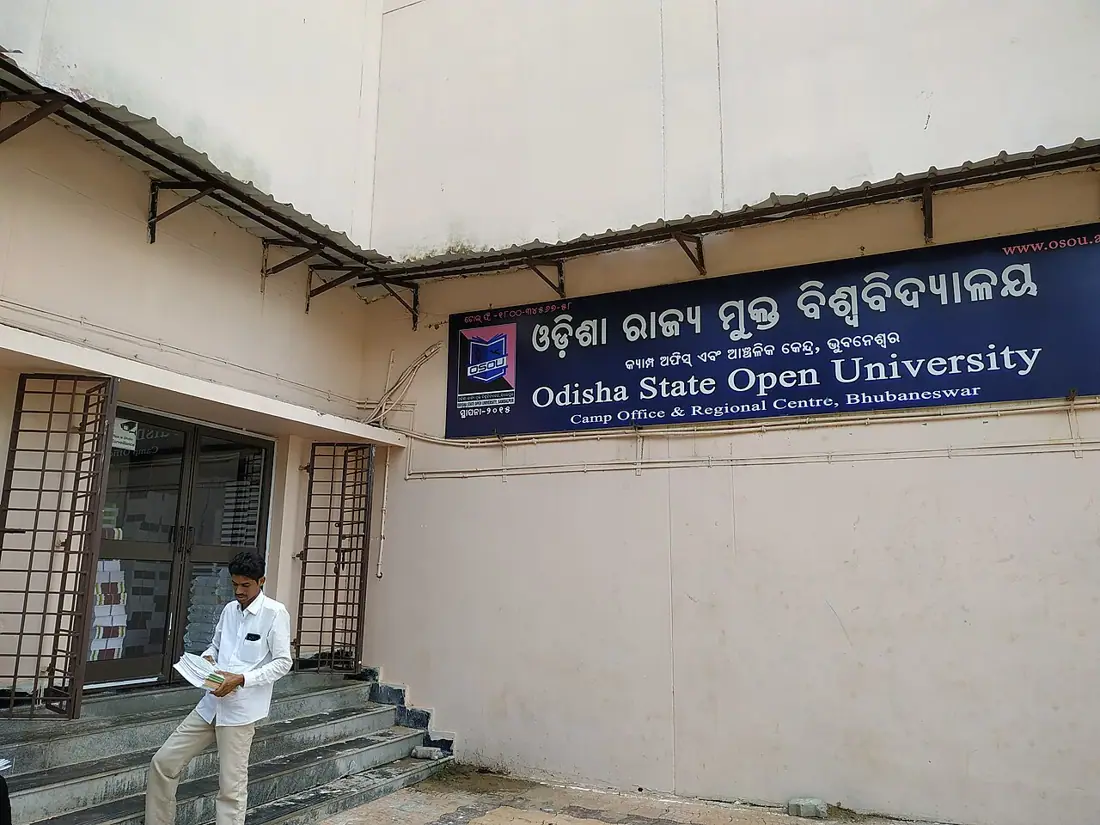
The Odisha State Open University (OSOU) provides a specific login portal for its Study Centre Coordinators. This portal is crucial for managing and coordinating academic and learner support services across the various Learner Support Centres (LSCs). Coordinators use this platform to access tools and submit necessary data related to student activities.
The Study Centre Login Portal is distinct from the student login portals and is designed for administrative functions. It ensures effective coordination and monitoring of services provided to distance learners enrolled in OSOU programmes.
OSOU Study Centre Login Portal – Important Highlights
The OSOU Study Centre Login Portal is the primary access point for coordinators to perform their administrative duties. It facilitates the management of learner support activities and data submission for various academic sessions. Coordinators should ensure they have their correct credentials for seamless access.
This portal is part of OSOU’s broader web portal, which also includes sections for learners and other university functions. The university’s toll-free number is available for support related to its services.
Key Details for OSOU Study Centre Login
| Detail | Information |
|---|---|
| Portal Name | Study Centre Login |
| Access Link | webportal.osou.ac.in ↗ |
| Intended Users | Study Centre Coordinators |
| Toll Free Number | 1800-34567-58 |
How to log in to the OSOU Study Centre Portal?
Study Centre Coordinators can log in to the OSOU portal by navigating to the designated login page. This process requires entering specific credentials to authenticate access to the administrative functions. Ensure all details are entered accurately to avoid login issues.
- Open the OSOU Study Centre Login page.
- Enter your ‘Username’ in the designated field.
- Enter your ‘Password’ in the password field.
- Input the ‘Security Text’ displayed on the page into the security code field.
- Click the ‘Login’ button to access the portal.
OSOU: related tasks
OSOU Study Centre Login – Required Credentials
To access the OSOU Study Centre Login Portal, coordinators must provide three specific pieces of information. These credentials ensure that only authorized personnel can manage study centre operations. The security text adds an additional layer of verification to the login process.
- Username
- Password
- Security Text
OSOU Study Centre Login – Support and Troubleshooting
If Study Centre Coordinators encounter issues during the login process, support is available through the university’s official channels. For general queries or technical assistance, the OSOU toll-free number can be used. This ensures that administrative tasks can proceed without significant delays.
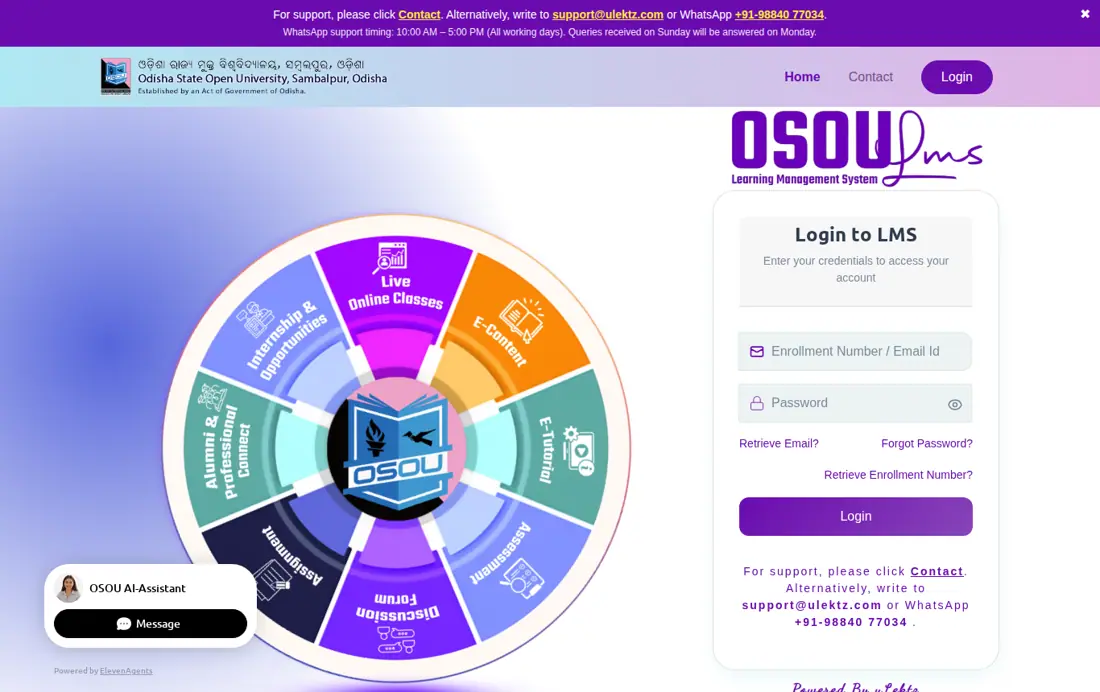
For support related to the Learning Management System (LMS), which is separate from the Study Centre Login, coordinators can write to support@ulektz.com or WhatsApp +91-98840 77034. WhatsApp support is available from 10:00 AM to 5:00 PM on all working days, with Sunday queries answered on Monday.
OSOU Study Centre Coordinator Responsibilities – Counseling Data Upload for January-February 2026 Session
Study Centre Coordinators are responsible for uploading counseling data for newly enrolled Undergraduate (UG) and Postgraduate (PG) learners. This applies to First Semester students for the academic session January-February 2026. Data must be uploaded immediately after the counseling sessions conclude.
The data upload is performed through a specific Google Form link provided by the university. This ensures that records of counseling sessions are centrally maintained and accessible for university administration.
OSOU Study Centre Coordinator Responsibilities – Learner Support Centre Allocation for 2026
Effective 01 March 2026, OSOU implemented a district-wise allocation of Learner Support Centres (LSCs) under various Regional Centres (RCs). This allocation is crucial for Study Centre Coordinators to understand their operational scope and reporting structure. The new order supersedes all previous instructions regarding LSC allocation.
This measure aims to enhance effective coordination, monitoring, and delivery of academic and learner support services. Coordinators are expected to act in accordance with this updated allocation for the 2026 academic year.
District-wise Coverage of Learner Support Centres (LSCs) under Regional Centres (Effective 01 March 2026)
| Regional Centre | District-wise Coverage of LSCs |
|---|---|
| RC-Sambalpur | Boudh, Balangir, Bargarh, Kalahandi, Nuapada, Sambalpur, Subarnapur (Sonepur), Deogarh (Debagarh) |
| RC-Rourkela | Jharsuguda, Sundargarh |
| RC-Bhubaneswar | Angul, Cuttack, Dhenkanal, Khordha, Nayagarh, Puri |
| RC-Jagatsinghpur | Jajpur, Jagatsinghapur, Kendrapara |
| RC-Balasore | Balasore (Baleswar), Bhadrak |
| RC-Keonjhar | Keonjhar (Kendujhar), Mayurbhanj |
| RC-Berhampur | Ganjam, Gajapati, Kandhamal |
| RC-Jeypore | Koraput, Malkangiri, Nabarangpur, Rayagada |
OSOU Study Centre Coordinator Responsibilities – Counseling Sessions for January-February 2026 Session
Study Centres are responsible for conducting offline counseling sessions for newly enrolled UG and PG learners of the First Semester for the January-February 2026 academic session. These sessions were scheduled on various Sundays from 10 May 2026 to 02 August 2026. Counseling is conducted only for programmes with 20 or more registered learners at the centre.
For programmes with fewer than 20 registered learners, counseling sessions are conducted centrally by the OSOU Headquarters in online mode. Each course can have a maximum of six offline counseling sessions.
OSOU Study Centre Coordinator Responsibilities – Induction Program for January-February 2026 Session
An online Induction Program for newly enrolled UG and PG learners of the January-February 2026 session was scheduled for 05 May 2026. Study Centre Coordinators play a role in informing learners about this program. This program introduces students to the university and their respective programmes.
The Induction Program is a key initial step for learners, providing essential information before the commencement of counseling sessions. Coordinators ensure learners are aware of and participate in these foundational events.
OSOU Study Centre Login – Next Steps for Coordinators
Study Centre Coordinators should regularly access the OSOU Study Centre Login Portal to stay updated on administrative tasks and learner support requirements. Ensure all counseling data for the January-February 2026 session is uploaded promptly. Refer to the official notices for any new guidelines or deadlines.
OSOU pages you will need
| What you can do | Official page |
|---|---|
| Access Study Centre Login Portal | webportal.osou.ac.in ↗ |
| Contact OSOU for support | osou.ac.in ↗ |
| Login to OSOU LMS | deb.ugc.ac.in ↗ |
| Access OSOU Student Login | webportal.osou.ac.in ↗ |
OSOU Study Centre Login Portal: common questions
How do students log in to the OSOU portal?
Students at Odisha State Open University (OSOU) use a different portal for their academic activities. Learners can log in to the OSOU LMS Portal for assignments, e-SLM, and video lessons using their Enrollment Number or Email ID and Password. Additionally, a general student login webportal is available at webportal.osou.ac.in ↗ for accessing personalized pages and other services.
What is the purpose of the OSOU Study Centre Login Portal?
The OSOU Study Centre Login Portal enables Study Centre Coordinators to manage administrative tasks and learner support services across Odisha. It is used to submit official records and upload counseling data for first-semester learners in the January-February 2026 session. Access is available at webportal.osou.ac.in/study-centre-login.php using authorized credentials.
What credentials are required for Study Centre Login?
Study Centre Coordinators must enter three credentials to access the OSOU portal: a unique Username, Password, and Security Text displayed on screen. Coordinators log in at webportal.osou.ac.in/study-centre-login.php by entering these details into their respective fields. Clicking the Login button authenticates access for managing 2026 academic sessions.
Where can Study Centre Coordinators find support for login issues?
Study Centre Coordinators can resolve administrative portal login issues by calling the official OSOU toll-free number 1800-34567-58. For LMS portal queries, coordinators should email support@ulektz.com or WhatsApp +91-98840 77034. WhatsApp support is available between 10:00 AM and 5:00 PM on working days, with Sunday queries answered on Monday.
When were Learner Support Centres (LSCs) allocated for 2026?
The district-wise allocation of Learner Support Centres (LSCs) under the respective Regional Centres of OSOU came into force with effect from 01 March 2026. This new order supersedes all previous instructions and is intended to ensure effective coordination and delivery of academic and learner support services for the 2026 academic year.
How do Study Centre Coordinators upload counseling data for the 2026 session?
Study Centre Coordinators must submit counseling data for the January-February 2026 session using https://forms.gle/eEj5kiw2CZbEuWnG7 after offline sessions conclude. Offline counseling occurs on scheduled Sundays between 10 May 2026 and 02 August 2026 for programmes with at least 20 learners. If a centre has fewer learners, OSOU Headquarters conducts online counseling centrally.
Which districts fall under OSOU Regional Centre Sambalpur effective 01 March 2026?
Effective 01 March 2026, Regional Centre Sambalpur covers eight districts: Boudh, Balangir, Bargarh, Kalahandi, Nuapada, Sambalpur, Subarnapur (Sonepur), and Deogarh (Debagarh). This allocation was mandated under university order No. 461/OSOU/2026 to streamline academic administration. This official order supersedes all previous Learner Support Centre distribution instructions issued by the Vice-Chancellor’s office.
How must OSOU learners submit 1st Semester MA assignments?
Postgraduate learners in MAPS, MAEC, MAHI, and MAPA programmes must upload assignment responses directly to https://lms.osou.ac.in/c/osou. After online submission, learners must submit a physical hard copy to their designated study centre. This requirement applies to students admitted in February 2025 and subsequent batches, with unuploaded assignments receiving zero marks.
What login credentials are used for the OSOU MBA Disaster Management Entrance Test?
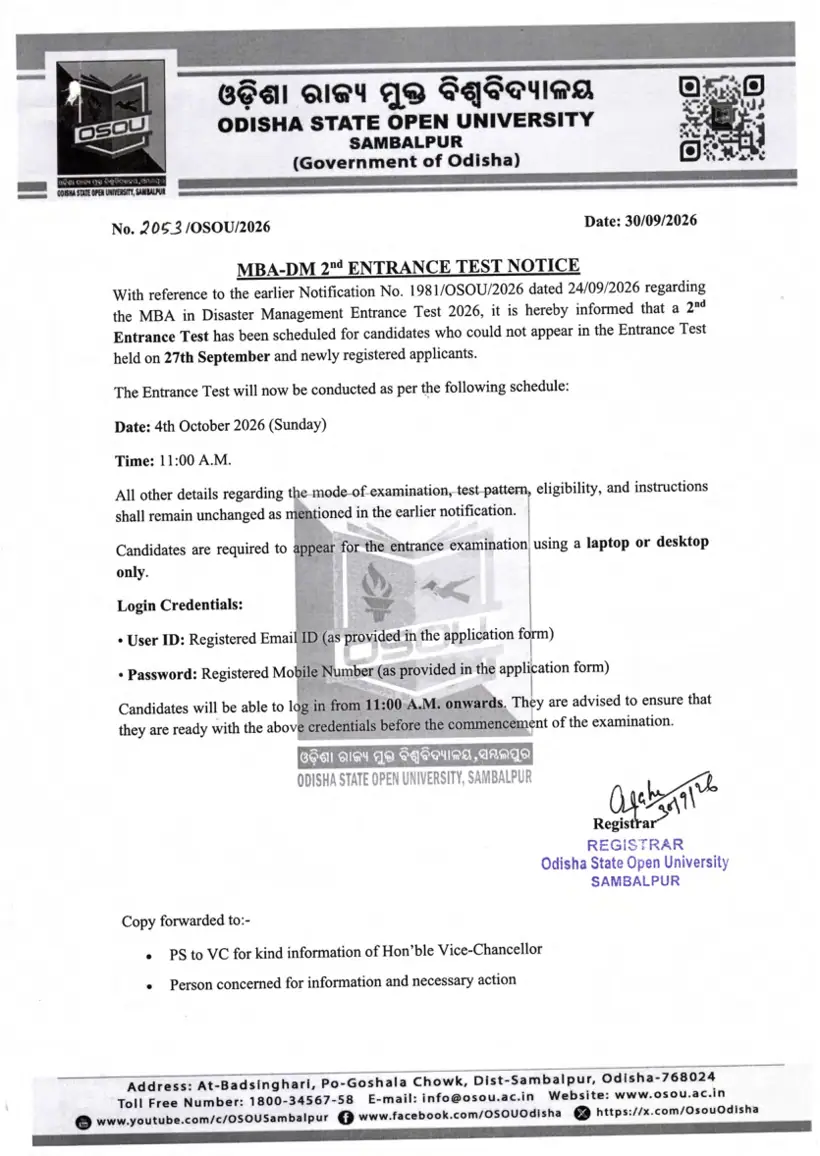
Candidates must use their registered email ID as the User ID and their registered mobile number as the Password for the OSOU MBA Disaster Management Entrance Test. For the 2nd test held on 04 October 2026 at 11:00 AM, candidates must log in using a desktop or laptop computer.
What rules govern the selection of minor subjects in OSOU 4-year undergraduate programmes?
Learners must select two distinct minor subjects (Core-II and Core-III) without duplicating their Core-I Honours discipline. They can choose a maximum of one minor subject from Group-1 (English, Hindi, Odia) and up to two from Group-2 (Economics, History, Political Science). Selecting two subjects from Group-1 is strictly invalid.
More on Student Services
- OSOU Student Login Password Reset and LMS Credential Recovery
- OSOU Scholarship 2026: OSSP Portal Rules, Eligibility and Last Date Status
- OSOU LMS Portal and e-Gyanagar – Login and Online Access for Distance Learners
- OSOU Student Login – Password Recovery and Account Options
- OSOU Name Correction Form Guidelines and Online Profile Edit Rules
- OSOU Identity Card Download – Webportal Process and Student Login Steps